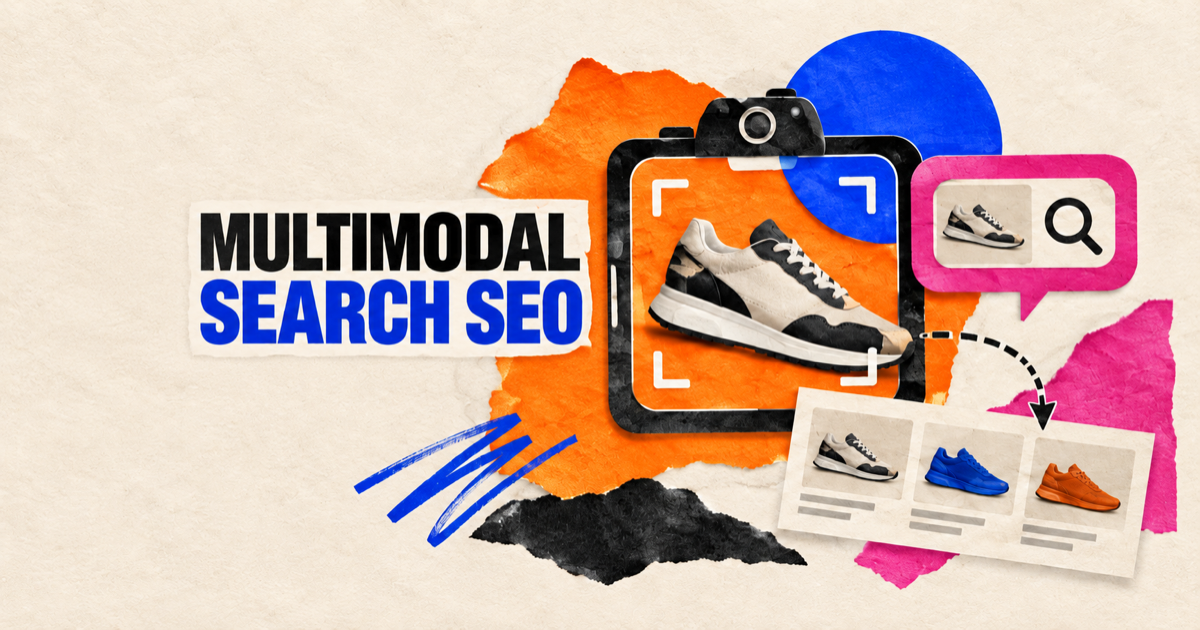
A shopper points a camera at a chair, circles the fabric pattern, and asks for a similar model that fits a smaller room. A traveler uploads a landmark photo and asks what it is, when to visit, and where to stay nearby. Neither journey begins with a keyword list. The image supplies the object, color, shape, and context; language adds the task and constraints.
Multimodal search SEO prepares pages for that combined retrieval problem. Images must be discoverable and interpretable, while the surrounding page must provide the entity, attributes, evidence, and destination a search system needs to return a useful result. Great photography without context is weak evidence. Detailed copy without usable images misses the visual query.
Multimodal Search Combines Visual and Language Evidence
Multimodal search accepts more than one input type, commonly an image plus text. The system may identify objects or scenes, interpret a user’s follow-up question, retrieve relevant web information, and assemble visual or generative results.
Google’s Search Console documentation now separates Web: multimodal activity, covering image-led searches from Lens, Circle to Search on Android, uploaded images, and Chrome image search. Google announced the reporting update on September 24, 2026, with global rollout for sites receiving eligible traffic.
This creates a new measurement view, not a separate shortcut to rankings. Google’s established image and page requirements still matter: crawlable pages, accessible image URLs, useful content, clear context, and eligible indexable resources.
Think of the optimization unit as an image-page pair. The image contributes visual features; the page explains what those features mean and why the result answers the task.
Match the Page to the Visual Decision
A multimodal query may seek identification, comparison, inspiration, troubleshooting, local context, or purchase. The best page type depends on that decision.
| Visual search intent | Example input and question | Strong destination | Evidence the page should provide |
|---|---|---|---|
| Identify | Photo of a plant: “What is this?” | Species or reference page | Clear identity, distinguishing traits, cautions |
| Find similar | Sofa photo: “Show me this style in green” | Category or product collection | Visual variants, color, material, dimensions |
| Compare | Two devices: “Which is better for travel?” | Comparison or buyer guide | Visible form factor, specifications, trade-offs |
| Troubleshoot | Photo of an error or damaged part | Diagnostic guide | Matching symptom images, steps, safety limits |
| Explore place | Landmark image: “What can I do nearby?” | Destination or local guide | Location, season, access, related places |
| Buy | Product photo: “Where can I get this under $150?” | Product detail or merchant page | Price, availability, variants, merchant terms |
Do not send every visual result to a generic homepage. The destination should resolve the question the image helped express.
Make Images Discoverable Before Optimizing Their Meaning
Google’s image SEO best practices recommend standard HTML image elements. Google can find images in the src attribute of an <img> element, including within <picture>, while CSS background images are not indexed in the same way.
Use stable, crawlable image URLs and a real src fallback with responsive srcset or <picture> markup. Confirm that robots rules, authentication, CDN settings, and hotlink controls do not block the page or image resource.
Image sitemaps can help Google discover resources it might otherwise miss, including images hosted on a CDN. When using a separate CDN domain, verify ownership in Search Console where practical so crawl problems are visible.
Use supported formats, descriptive filenames, and dimensions appropriate for the experience. Compression should reduce transfer cost without destroying details needed to recognize the subject. A blurred texture, unreadable label, or tiny object may be fast but unhelpful.
Technical discoverability is the entry ticket. It does not tell a search system what the image proves.
Give Every Important Image a Clear Context
Google says it uses alt text, computer vision, and page content to understand image subject matter. It also recommends placing images near relevant text on pages that match the subject.
Write alt text for accessibility and meaning, not as a keyword container. Describe the content and function the reader would miss. A useful product alt might identify model, color, material, and visible configuration. It should not repeat every keyword in the page title.
Captions can add evidence that is visible to all readers: date, location, measurement, result, or the relationship between two objects. Surrounding copy should name entities and explain the attributes a visual alone cannot establish.
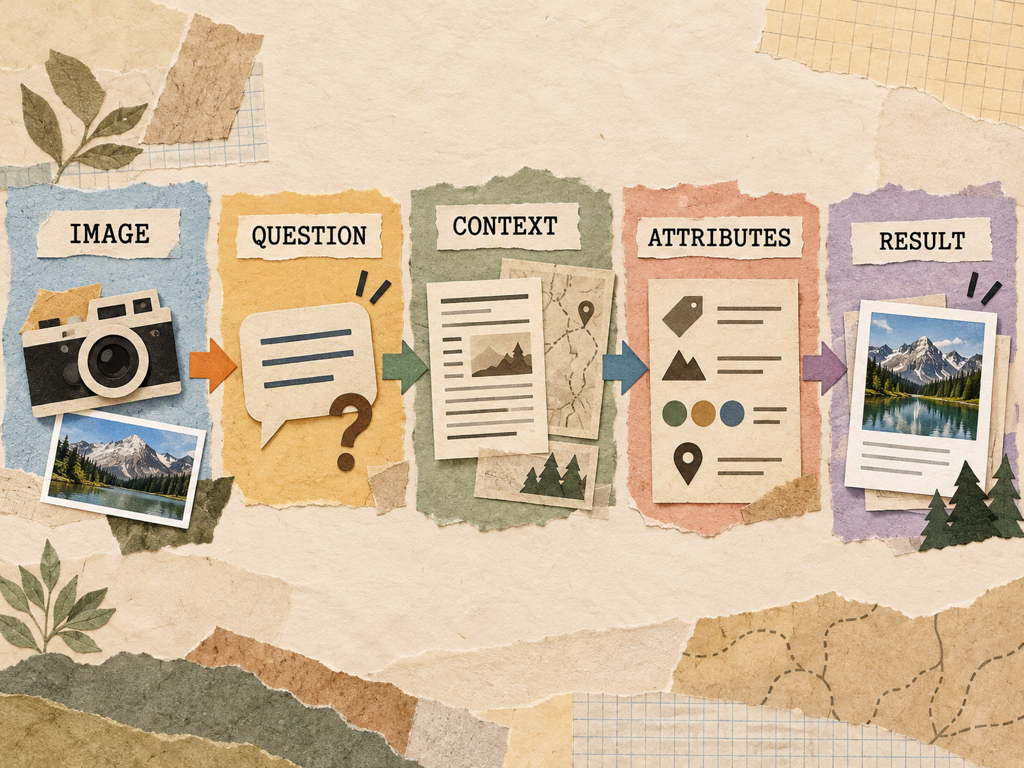
For charts and diagrams, state the takeaway in nearby prose. For product images, expose price, availability, dimensions, variants, and compatibility in crawlable text or structured data rather than baking facts into pixels only.
Build Image Sets That Answer Comparison and Constraint Questions
One polished hero image rarely covers the decisions people make with visual search. Create an intentional set that shows the subject from useful angles and under realistic conditions.
For products, include scale, details, variants, packaging, interfaces, and in-use scenes. Keep color and proportions faithful. For travel or local content, include recognizable viewpoints, access conditions, seasons, and nearby context. For troubleshooting, show the normal state and the relevant symptom clearly.
The image set should reduce uncertainty, not create visual volume. Ten near-identical lifestyle photos contribute less evidence than three images that answer size, material, and use.
Avoid replacing primary product photography with text-heavy promotional cards. Google advises against generic or text-dominated choices for preferred preview imagery. A representative high-resolution image is more useful for visual discovery.
Connect Structured Data to Visible Page Truth
Structured data can make explicit relationships between the page, its main entity, and images. Depending on the content, Product, Recipe, LocalBusiness, Article, or other supported markup may include required image properties and relevant attributes.
Markup must match visible page content. Do not claim a price, availability state, review, or image that users cannot confirm on the page. Structured data eligibility also does not guarantee a particular search treatment.
Google’s image documentation notes that preferred imagery can be indicated through relevant schema properties and og:image, while selection remains automated. Use a representative, high-resolution image without an extreme aspect ratio. Do not assume the social preview image will solve image-search relevance by itself.
For commerce, keep feed data, structured data, and product pages aligned. Conflicting price, variant, or availability information weakens the reliability of the destination regardless of how attractive the image is.
Design the Page for Humans and Machine Interpretation
Multimodal optimization should improve the page a user lands on. Use descriptive headings, concise attribute blocks, comparison tables, and captions where they make the visual evidence easier to act on.
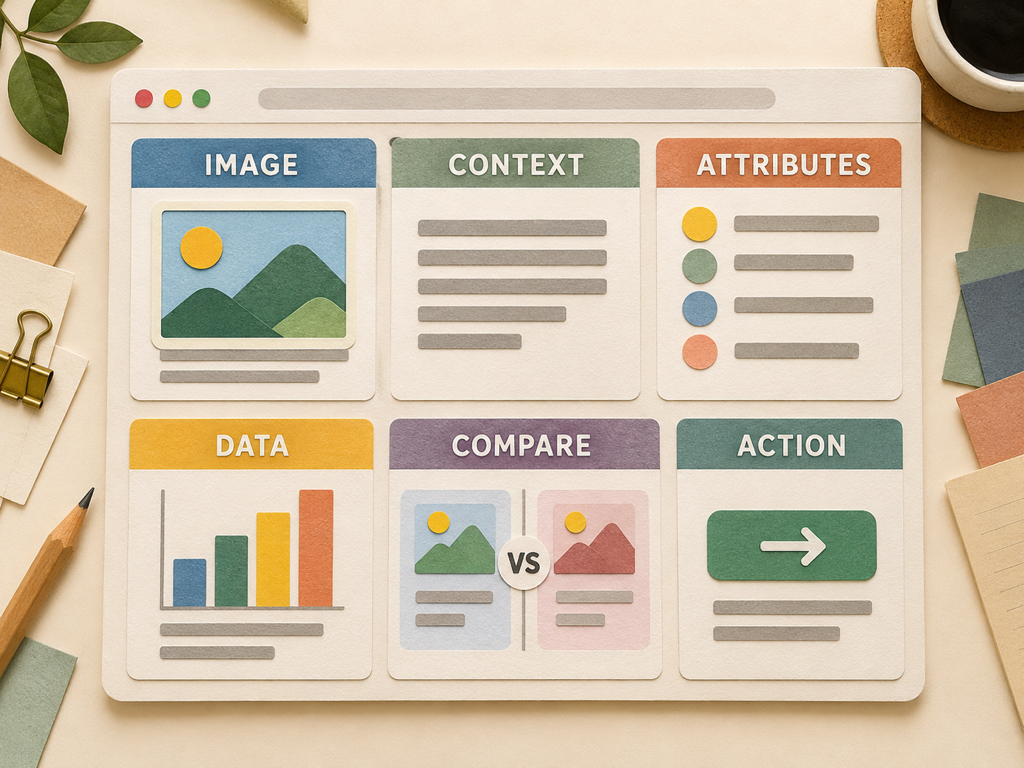
Keep important information available in the DOM and accessible without fragile interaction. Tabs and galleries can support browsing, but essential facts should not depend on a user action or a canvas rendering that leaves crawlers with little readable context.
Performance matters because images are often the largest page resources. Supply responsive sizes, reserve layout space, compress responsibly, and monitor page experience. Do not trade away the detail needed for recognition to hit an arbitrary file-size target.
For AI search, focus on complete evidence rather than special “LLM formatting.” Google’s generative AI optimization guide emphasizes established Search fundamentals and unique, helpful content. The page should make its subject, attributes, and claims easy to verify.
Measure Multimodal Visibility With the Right Boundaries
In Search Console, use the multimodal search type filter in the standard Search results Performance report and the generative AI performance report where available. Export the data, preserve filters and date ranges, and compare complete periods.
Review pages, countries, devices, and dates to find where multimodal impressions concentrate. Google’s report does not reveal every submitted image or exact visual query, so connect the trend with landing-page inventory, image changes, indexing checks, and business outcomes.
Do not call impressions “visual search volume.” They represent where links from your property appeared under Google’s reporting rules. Property and page aggregation can also differ.
Topify can complement this Google view by monitoring prompt-level brand visibility and sources across supported AI platforms. Use it for text or conversational questions associated with the same visual decisions, while recognizing that an external tracker cannot reproduce Google’s private Lens impression data.
The combined view is strongest when the scopes stay separate: first-party multimodal exposure from GSC, answer-level brand and citation evidence from monitoring, and on-site outcomes from analytics.
Conclusion
Multimodal search SEO is not image compression plus alt text. It is the design of a reliable image-page pair for a visual decision. The image must be discoverable and representative; the page must supply identity, attributes, context, structured evidence, and a useful destination.
Start with the decisions people make from images, then build the smallest image set that reduces uncertainty. Verify crawlability, place images beside relevant explanations, align structured data with visible truth, and measure multimodal impressions within Search Console’s limits. That foundation serves Lens, image-led search, and AI experiences without creating a separate page for every possible photo.
FAQ
What is multimodal search SEO?
Multimodal search SEO prepares images and their landing pages for searches that combine visual input with language, such as a photo plus a product, place, or troubleshooting question.
Does alt text improve Google Lens visibility?
Alt text helps Google and assistive technologies understand image subject matter, but it is one signal alongside visual content, page context, crawlability, and the usefulness of the destination.
Can Search Console report multimodal searches?
Yes. Google introduced a Web: multimodal search type covering listed image-led entry points such as Lens, Circle to Search, image uploads, and Chrome image search.
Do I need a separate page for every product image?
No. Use one strong destination for the entity or decision and provide a purposeful image set with crawlable context, attributes, and variants.
Leave a Reply